
Perplexity Comet: The future of web browsing with built-in artificial intelligence
Are you wasting valuable time juggling between your web browser, ChatGPT, and your email inbox? What if your browser became your intelligent assistant that understands what you're looking for and acts on your behalf? Perplexity Comet revolutionizes web browsing by integrating an artificial intelligence agent directly into your everyday experience. For Quebec SME leaders looking to optimize their time and automate their strategic monitoring, this tool is a game changer.
What is Perplexity Comet?
Perplexity Comet is a next-generation web browser based on Chromium —the same foundation as Google Chrome, Microsoft Edge, and several other popular browsers. This feature is important: if you already use Chrome, the transition to Comet will be seamless. Same interface, same shortcuts, same possible extensions.

But the real difference? A native artificial intelligence agent that works with you as you browse. No more copying and pasting between windows, no more multiple extensions that slow everything down. AI is there, integrated, ready to act.
Why it matters for your small business
Business leaders spend an average of 6 to 8 hours per week on research, competitive intelligence, and information synthesis tasks. With Perplexity Comet, you can:
- Instantly summarize any long document
- Automatically extract structured data
- Schedule recurring searches
- Automate report sending
Key features for SMEs
1. Instant summary of any web page
Imagine you come across a 20-page Wikipedia article or a 50-page industry report. Instead of reading it all or copying the URL into ChatGPT, simply click the summary button to start the analysis.
The AI agent reads the page, creates a structured summary, and presents the key points to you in a matter of seconds. You can then ask it specific questions about the content.
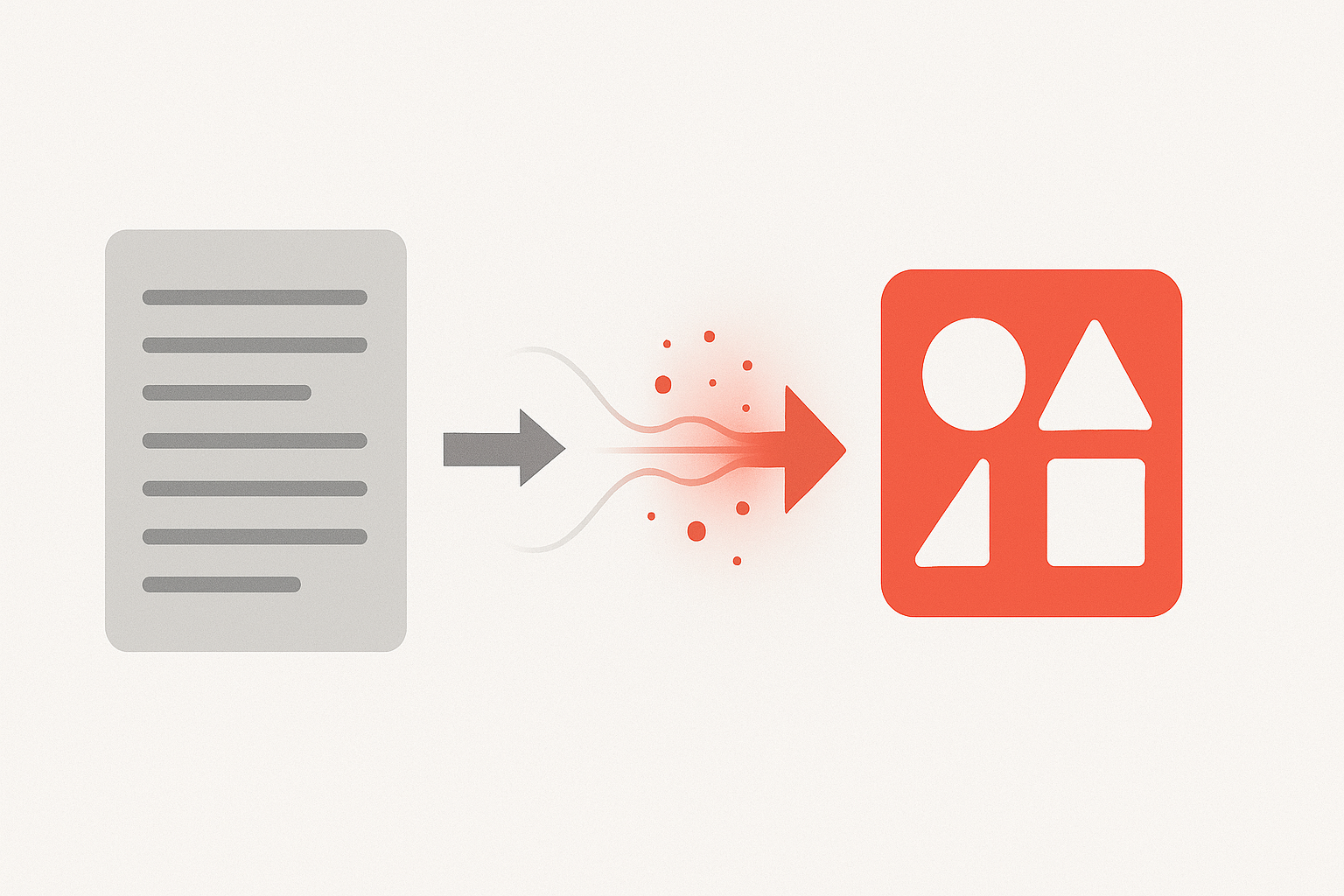
Real-world use case: Your team needs to analyze the latest trends in your industry. Instead of reading 10 full articles, you summarize them in 2 minutes each, then ask the agent to compare the perspectives.
2. Automatic data extraction
Need all the image links on a page? All the external hyperlinks? All the data in a table? Just ask the agent, "Extract all image links for me," and in seconds, you'll have a complete, clickable list.
✅ Mini checklist for effective extraction:
- Identify the type of data to extract (links, images, tables, quotes)
- Use clear and precise prompts
- Request the desired output format (list, table, JSON)
- Export or copy results
3. Automatic email delivery

This is where it gets really powerful. You've done a search, got some results, and now you want to share them with your team. Instead of copying and pasting into Gmail:
- You say to the agent, "Send me that summary by email."
- The agent detects that you are logged into Gmail in another tab.
- He writes the email, fills in the recipient's address, adds the information
- You validate and send
No APIs to configure. No complicated connectors. The agent navigates your browser just as you would.
4. Integrated voice transcription
How many times have you started typing a detailed prompt, then given up because it took too long? Comet's voice transcription changes that.
Instead of typing, you speak naturally. You take your time, explain exactly what you want, and add nuances and constraints. The result? Much more complete and accurate prompts, without the effort of typing.
Bonus: Conversational voice mode also allows you to talk to the AI as you would on your phone, but directly on your desktop computer.
5. Custom shortcuts for frequent searches
Do you conduct the same types of searches every week? Industry news? Competitive intelligence? Trends on LinkedIn?
With custom shortcuts, you create a command by typing / followed by a keyword. For example:
/nouvelles-iaautomatically launches your search for the latest AI news/veille-concurrentmonitor your competitors/tendances-secteurcompiles trends in your field
Each shortcut contains your optimized prompt, tested and refined over time.
6. Scheduling automatic tasks
The icing on the cake: you can schedule these searches to run automatically. Every Monday morning at 6:30 a.m., the agent monitors your competitors and sends you the report by email.
💡 How to implement this in your SME:
- Week 1: Try Comet for your regular searches
- Week 2: Create 2-3 shortcuts for your frequent needs
- Week 3: Refine your prompts based on the results
- Week 4: Schedule 1-2 automatic tasks
- Result: 3 to 5 hours saved each week
The future of web browsing, available today
Perplexity Comet is not alone in this market. Google Chrome is developing its agent mode, OpenAI launched Atlas (for macOS only in November 2025), and others will follow. But Comet is available now, on Windows and Mac, with a functional free version.
The full subscription costs $20 USD/month — comparable to ChatGPT Plus, but integrated directly into your browser. No need for 5 different subscriptions.

Conclusion
Resistance to change is normal. You've been using Chrome for years, so why change? The answer: because the time you save is infinitely more valuable than the effort required to adapt.
And since Comet is based on Chromium, the adaptation is minimal. Same menu, same extensions, same experience—but with an assistant that works for you 24/7.
SME leaders who adopt these tools now gain a significant competitive advantage. While your competitors spend 8 hours a week on manual monitoring, you receive an automatic report and invest that time in strategy.
✅ Next steps:
- Download Perplexity Comet for free
- Test automatic summarization on 3-5 articles
- Create your first custom shortcut
- Schedule a weekly monitoring task
- Measure the time saved after 2 weeks
❓ Frequently Asked Questions
Does Perplexity Comet work in Canadian French?
A: Yes! The browser can be configured in French, and the AI assistant understands and responds in French. In our tests, the French voice mode now works perfectly.
Will my Chrome data be transferred automatically?
A: When you first install Comet, it will offer to import your bookmarks, passwords, and history from Chrome. The process is identical to that for Edge or other Chromium browsers.
How much does Perplexity Comet cost?
A: A free version is available with basic features. The full version (Pro) costs $20 USD per month and unlocks scheduled tasks, unlimited searches, and advanced features.
Is it secure for company data?
A: Perplexity Comet uses the same security architecture as Chrome (Chromium). Your browsing data remains local. Requests sent to the AI are processed in accordance with Perplexity's privacy policy. For highly sensitive data, use private browsing mode.
Can I use my favorite Chrome extensions?
A: Yes! Since Comet is based on Chromium, most extensions from the Chrome Web Store are compatible and can be installed normally.
How can I cancel if it is not suitable for my business?
A: The Pro subscription can be managed in your account settings and can be canceled at any time. The free version remains accessible without any time limit.
