Excel, or any spreadsheet, Google Sheets or another, you’ll find one in every organization, and it helps us enormously. You build one quickly, you get results, and it becomes an important piece, necessary to the process you’re putting in place, just for yourself or for a team.
Then a second sheet gets added, or a third, or another tab. And all of a sudden, it has become the centrepiece of the organization’s process, and maybe even of its revenue and profits.
Despite that great advantage, you still have to realize there’s a risk. You can easily move a cell. You can end up with the wrong version. Someone can enter data in the wrong place. And if you share the sheet by email on top of that, it may hold important data.
Today, we’re talking about a better way to do it: above all safer, and more productive overall, in several ways.
What AI changes
It’s pretty impressive, the smart, high-performing processes that have been built on Excel spreadsheets. There are so many cases like that.
I’ve been saying it for a long time: Excel spreadsheets are fine, but you still have to get out of them and move on to tools.
Now, with AI, we can carry these processes over into precise tools. They cost less than custom-developed software, and they fit better than subscription-based online software. Well designed, they’re as flexible as Excel, with advantages Excel will never have. They reproduce what the spreadsheet produced, and even better, with more efficiency and productivity.
The formula that moved
A cell that moves: it happened to me at one of my previous organizations. We had a calculation in an Excel sheet, and we moved it. After that, we couldn’t understand what was going on. It took us a good while to figure out we had moved the formula.
When PowerPoint and Excel aren’t enough anymore
For years, to design a document management system on SharePoint, I used a tool of my own: a combination of a PowerPoint file and an Excel spreadsheet. Those two files served me well.
Then a bigger contract came along: 63 teams, 136 sites. I asked myself how I was going to manage. The same SharePoint libraries were written in one file, then rewritten in the other.
I had to find a better way, and I built an online tool with AI. It lets me support my clients better, collaborate with them better, and keep a record of every change. I communicate with each person according to their role. I validate the changes they’ve made, or that I’ve made, and I make sure we respect Microsoft’s rules and the ones we defined with the organization. AI checks whether the rules were followed and, when they weren’t, it drafts the email for me to send.
Without that tool, this contract would have eaten all my time, and I couldn’t have taken on any others.
Five Excel spreadsheets, for a client
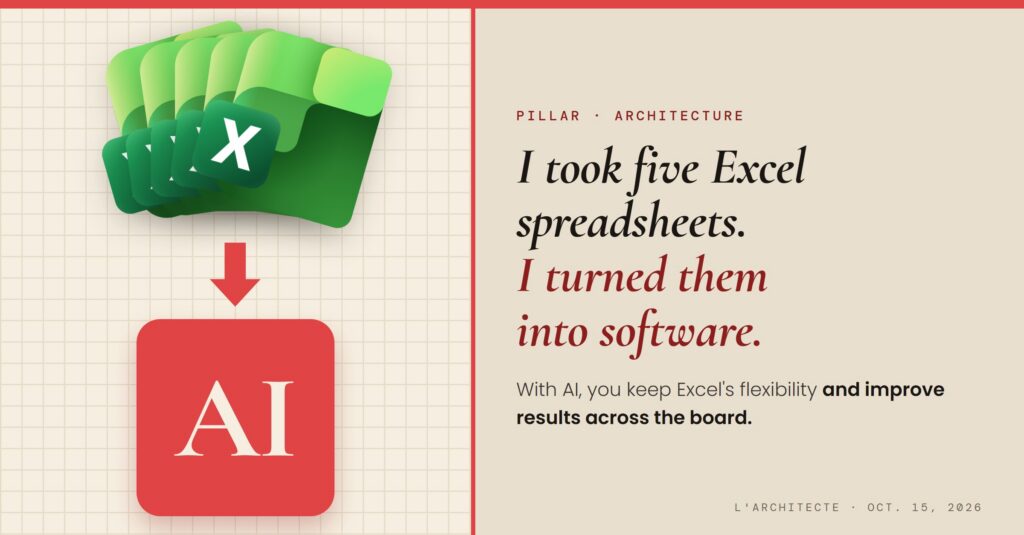
Another example: for a client, I took five Excel spreadsheets and turned them into software. Employees used to send them back and forth by email, or work on them online, several people at once.
Today, everyone who touched them is connected to the same tool, so to the same version, with the right calculations and better documentation. Each person sees what concerns them, according to their role. Every action is kept: if someone moves a formula, there’s a record, and you can roll back at any time.
The takeaway
With AI, your Excel spreadsheets can now become a real process.
This week, look at your Excel spreadsheets, your team’s, your organization’s. Ask yourself whether there might be a way to simplify things, and to design a tool with AI.
