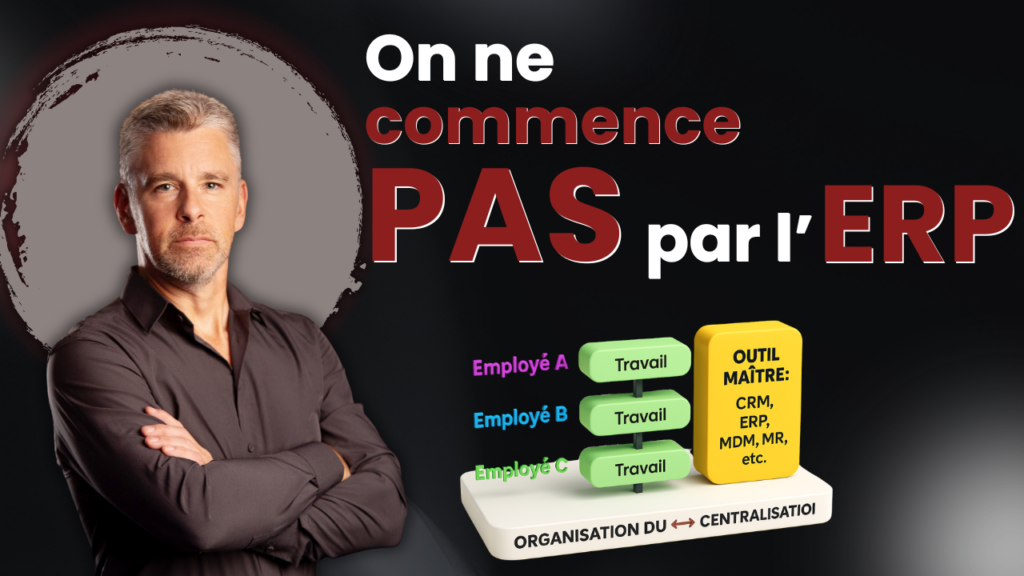
Linking actual work to ERP in SMEs: mapping, adoption, and integrations
An ERP system is supposed to centralize information. But in SMEs, it often breaks down in the same place: the daily work of teams does not naturally "live" in the ERP system. The result: re-entry, copy-paste, unnecessary validations, and adoption that collapses.
In this article, we see how to link actual work to tools (ERP) with a hands-on approach: mapping natural sequences, deciding what to centralize, standardizing what matters, and then connecting the right tools.
Why ERP cannot be "fed" solely by employees
When the ERP becomes a place where people enter information "to please the system," teams adapt their work to suit themselves. This leads to more exceptions. And the more exceptions there are, the lower the data quality becomes.
The key point: ERP should be a natural extension of work. Not an artificial layer. Otherwise, adoption remains low, even if the solution is technically sound.
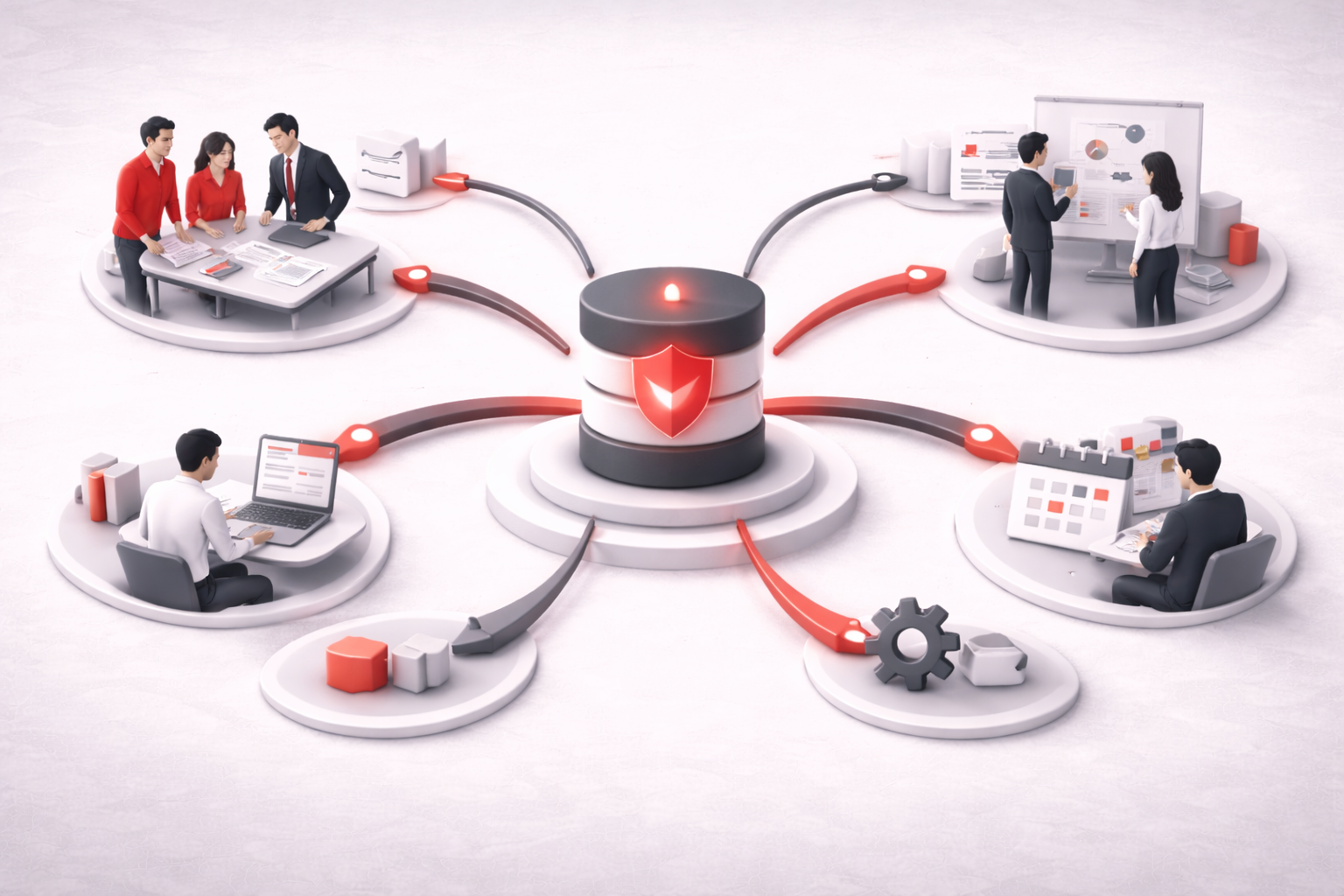
Step 1 — Map natural sequences (before optimizing)
Before talking about integrations, we need to make the work understandable. Mapping, in this case, is not a perfect procedure. It is a clear map of the sequence as it actually happens.
Mini mapping checklist (simple)
- Describe the actual work blocks (not the theoretical process).
- Identify daily decisions (where things diverge)
- Identify where the information "originates" (the point of origin)
- Note re-entries and copy-paste (frictions)
- Validate the sequence with 2–3 people in the field
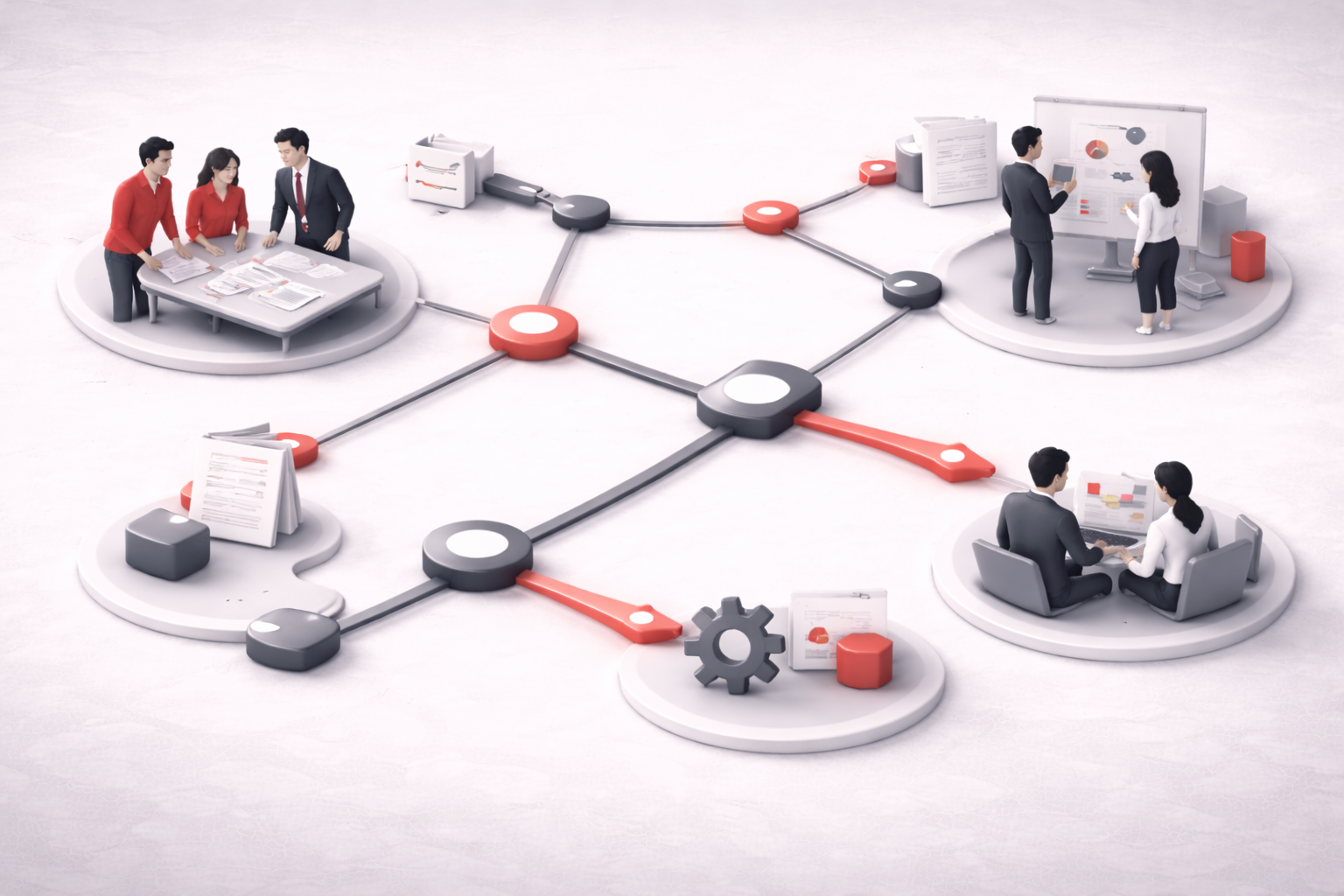
Step 2 — Decide what to centralize (and what not to centralize)
A common mistake is wanting to centralize everything as a matter of principle. In practice, this creates bureaucracy and resistance. Ask two very specific questions: what should be centralized, and what should not be centralized?
Step 3 — Standardize what needs to be standardized (without becoming rigid)
Standardizing does not mean forcing everyone to work the same way. It means choosing areas where alignment brings clear benefits: data quality, coordination, fewer differences in interpretation, and fewer unnecessary validations.
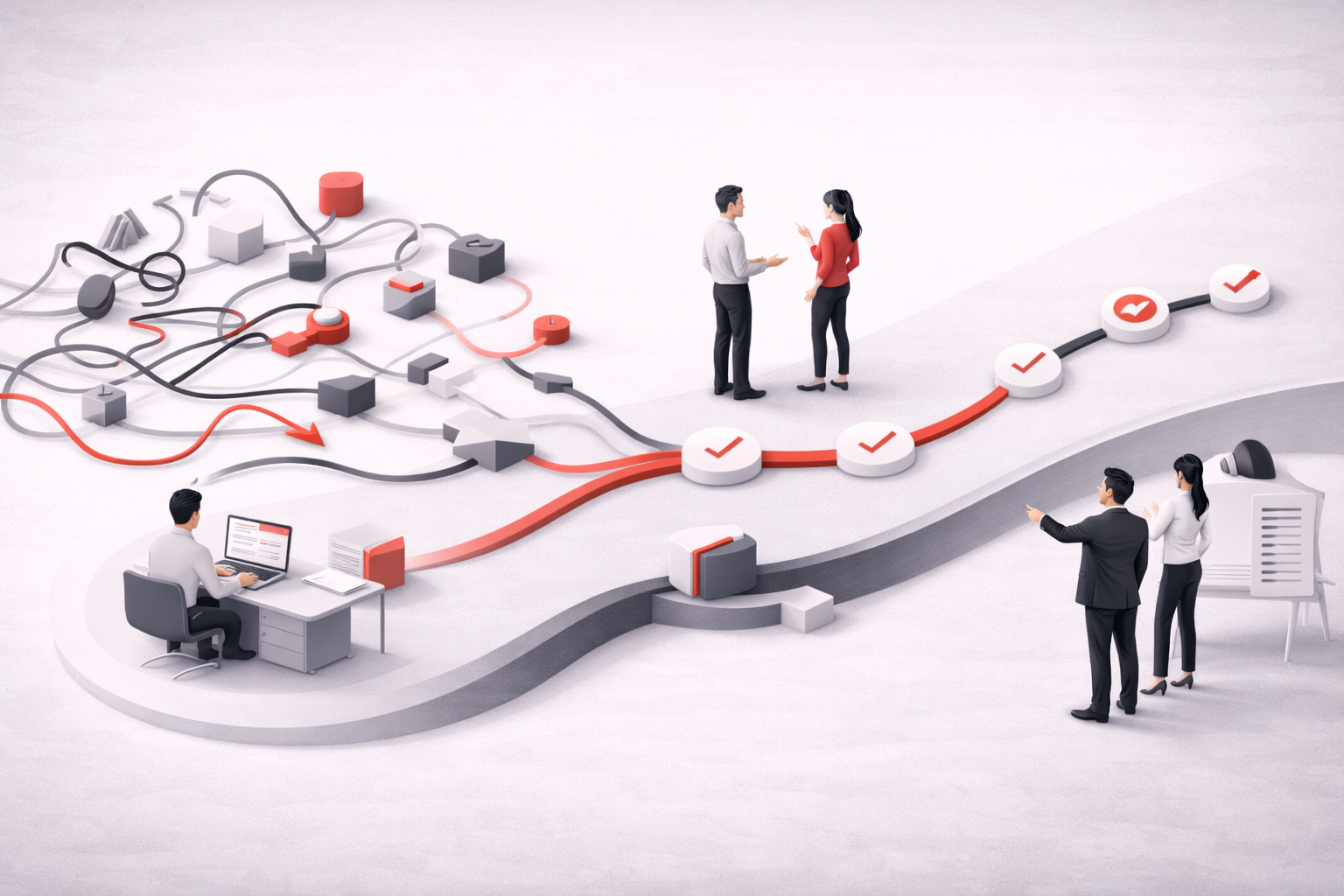
Step 4 — Link daily work to the ERP (instead of copying and pasting)
If the ERP requires users to log in to upload or re-enter data, this creates a dichotomy: work on one side, system on the other. The modern goal is to integrate or semi-automate (with approval) data entry.
Mini integration checklist (field)
- Define what should be included in the ERP (minimum data)
- Choose the natural entry point (where teams are already working)
- Add an approval step if the risk is real
- Provide a validation mechanism between tools
- Measuring impact (time, errors, adoption)

Measurable impacts when aligned
- The information is produced only once.
- There are fewer exceptions.
- There is less room for different interpretations.
- Adoption becomes much more natural
Conclusion
Linking actual work to ERP is not a matter of technological wizardry. It's a matter of alignment: mapping reality, centralizing intelligently, standardizing what matters, and connecting tools in the right place.
Frequently Asked Questions
Why is ERP adoption low in SMEs?
Because ERP is often perceived as an artificial data entry task rather than a natural extension of work.
What is a "field" process map?
A simple map of the actual work sequences, understood by the teams and the implementer.
Should everything be centralized in the ERP?
No. We need to centralize what supports the operation and leave what is too contextual elsewhere.
How can duplicate data entry be reduced?
By defining the point of origin of the data and connecting the work (documents, tasks) to the ERP via integrations and validations.
Does automation always have to be 100% automatic?
No. A semi-automatic model with approval is often more realistic and safer.
